
VersaCAD 2D CAD Software for Fast, Cost-Effective Drafting
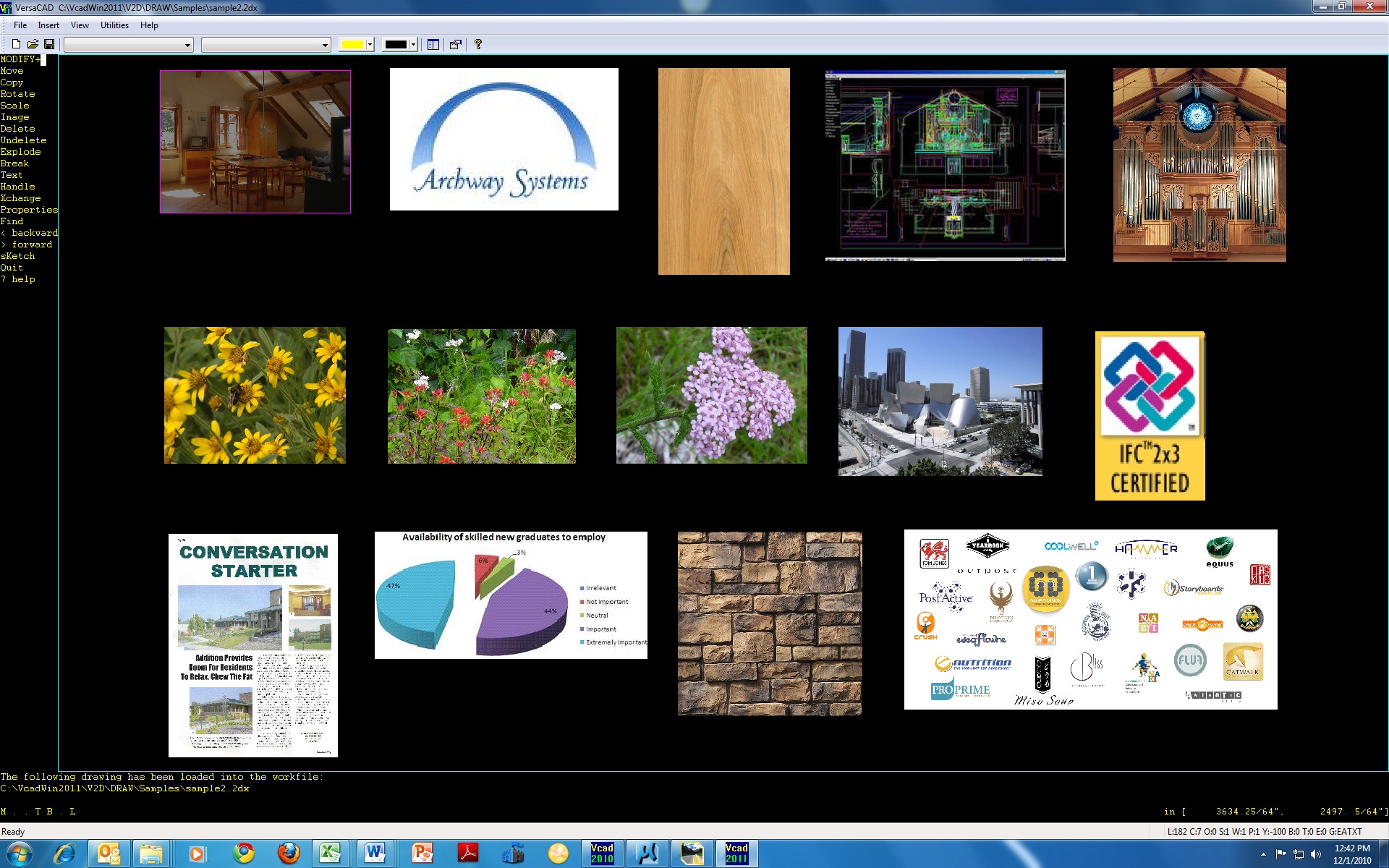
VersaCAD is a 2D CAD software designed for users who need an efficient and easy-to-use solution for layout work and drafting. It supports accurate drawing creation without complex setup, making it a practical option for both new and experienced users.
Whether you are creating floor plans, schematics, or layout drawings, this software provides a straightforward way to produce consistent 2D designs across different project types while maintaining clarity and organization across drawings.
Contact Archway Systems
A Straightforward Approach to 2D CAD
Some CAD platforms involve complex workflows and setup. This software is designed to be easy to learn and quick to use, allowing users to begin drafting without extensive onboarding.
It focuses on:
- Ease of use
- Quick setup
- Streamlined drafting workflows
This allows users to get started quickly and maintain productivity across different types of 2D drafting tasks without unnecessary interruptions.
Who Uses VersaCAD
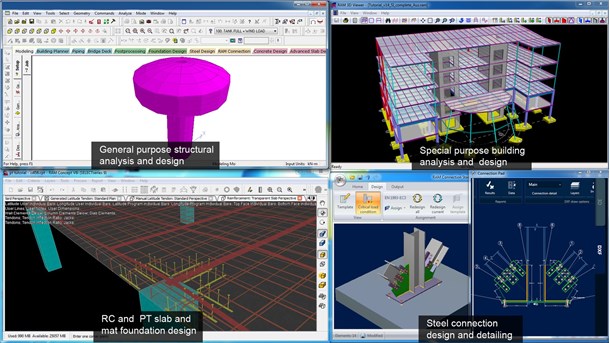
This 2D CAD solution is used by a wide range of users who need reliable drafting capabilities for layout and design work.
- Small to large firms that rely on 2D CAD for layout work
- Designers working on floor plans, schematics, plumbing layouts, and similar drawings
- Students from junior high through college learning 2D CAD
Its accessibility makes it suitable for those getting started, while still supporting more detailed design requirements across different types of projects.
Why Choose VersaCAD
The platform is built to support consistent 2D drafting without unnecessary complexity.
- Easy to learn and navigate
- Designed to help users get up and running quickly
- No complex licensing to manage
- Fits a wide range of budgets
It is a reliable option for users who need dependable 2D CAD functionality across different applications and environments.
Key Features
VersaCAD includes features that support accurate and efficient drafting.
Single Keystroke Commands for Faster Workflow
Single keystroke commands allow the designer to keep eyes on the graphics, one hand on the keyboard, and one on the mouse to produce drawings quickly.
Precision for Layout and Drafting Work
The system supports the level of precision required for architectural floor plans, schematics, plumbing layouts, department store layouts, and more.
Quick Loading and Easy-to-Learn Interface
The interface loads quickly and helps users begin working without a steep learning curve.
Raster Image Integration
Raster image capability allows you to include and overlay design pictures, maps, and other visuals directly within your drawing.
Multiple Drawing References
Support for multiple references to a drawing helps users manage more complex layouts and coordinate different elements within a project.
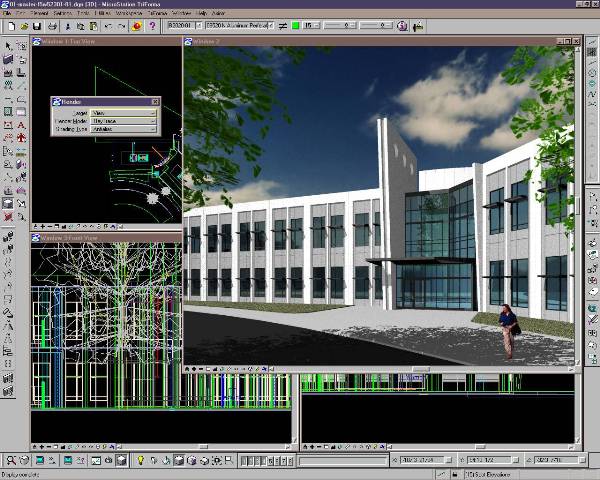
If you are familiar with tools from MicroStation training, you will recognize how this platform supports 2D CAD workflows with precision and efficiency.
Common Use Cases
This solution is used in a variety of 2D drafting applications.
- Architectural floor plans
- Plumbing layouts
- Retail and department store layouts
- Schematic drawings
- General drafting and layout work
These applications show how the software adapts to different industries while maintaining a consistent approach across use cases.
Why Buy from Archway Systems
This 2D CAD software is designed for both new users and those working on larger projects. Archway Systems provides support and assistance to help you get started and use the software effectively within your workflow.
- Inexpensive CAD software
- Fast loading and user-friendly interface
- No complicated licensing requirements to manage
- Efficient and cost-effective for most 2D drawing needs
With the right guidance, users can integrate this software into existing workflows without major disruption or retraining.
Frequently Asked Questions

What is the process for getting started after purchase?
After acquiring VersaCAD, users can begin working with the software shortly after installation. The interface is designed to help users start drafting without extensive setup.
Does VersaCAD require licensing setup before use?
No. The software does not require complex licensing, making it easier to access and begin using the software.
Is support available when purchasing through Archway Systems?
Yes. Archway Systems can provide guidance and assistance to help you get started and answer questions related to the software and its use.
How do commands work in VersaCAD?
Commands are executed using single keystroke inputs, allowing users to quickly access functions without navigating through multiple menus.
Can VersaCAD handle detailed drafting work?
Yes. It supports the level of precision required for floor plans, schematics, plumbing layouts, and other 2D drafting applications.
Get Started with VersaCAD
Talk with Archway Systems to see if VersaCAD is the right fit for your workflow. Get clear answers on pricing, setup, and how the software can support your drafting needs without unnecessary complexity.