If you’ve worked on a transportation, utility, or public infrastructure project in the U.S., you’ve probably run into both of these platforms, and probably had an opinion about which one your team should be standardized on. MicroStation and AutoCAD are both mature, capable CAD platforms, but they were built with different projects in mind, and that shows up the moment your dataset gets large, your agency hands you a design standard to follow, or you start pricing out licenses for a whole team.
This isn’t a case of one platform being objectively “better.” It’s a case of matching the tool, and the cost, to the type of work. Here’s how they actually compare for civil and infrastructure teams specifically, including what each one costs today.
The quick primer
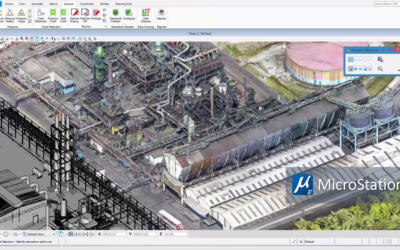
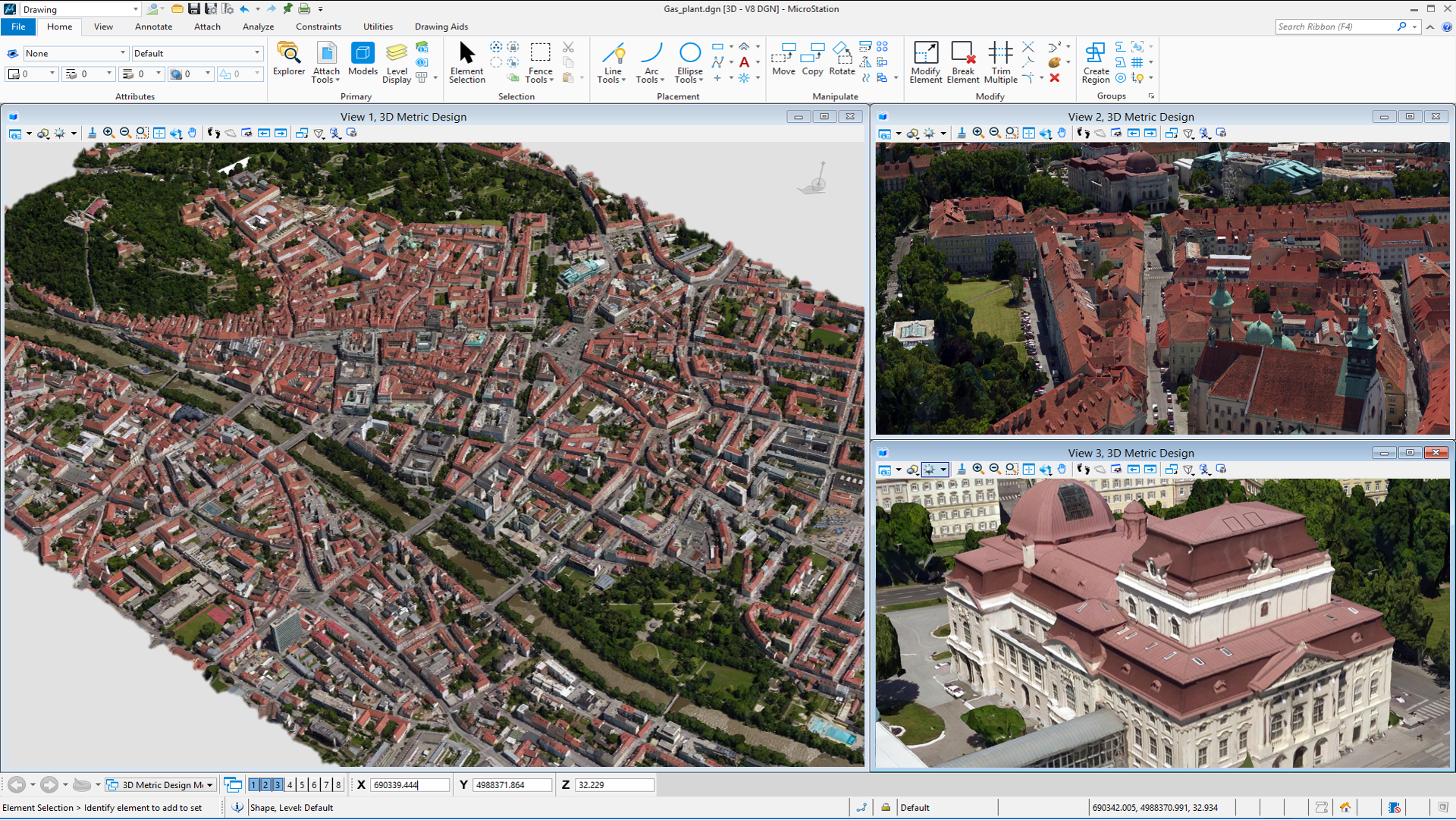
MicroStation is Bentley Systems’ CAD platform, built around the DGN file format and designed from the ground up to handle large-scale infrastructure models: highways, rail corridors, utility networks, and regional systems that span miles rather than a single site. It’s also the design foundation underneath Bentley’s infrastructure-specific tools: OpenRoads Designer, OpenRail, OpenBuildings, and ProjectWise, all built on the same shared platform architecture.
AutoCAD is Autodesk’s general-purpose CAD platform, built around the DWG format, the most widely used CAD file format in the world. For civil work specifically, most teams pair it with Civil 3D, Autodesk’s add-on for grading, corridors, and site design. AutoCAD’s strength is its breadth: it’s used across architecture, mechanical design, land development, and general drafting, not just infrastructure.
Where they actually differ for infrastructure work?
| MicroStation (+ OpenRoads/ProjectWise) | AutoCAD (+ Civil 3D) | |
|---|---|---|
| Native file format | DGN | DWG |
| Best suited for | Large, linear infrastructure: highways, rail, utility corridors, regional models | Site design, land development, mixed architecture/civil projects |
| DWG interoperability | Built on Autodesk-licensed RealDWG libraries, with broad format support (raster, vector, point cloud, and GIS formats) for working alongside AutoCAD-based teams | Native DWG: no translation needed for anything else already in the Autodesk ecosystem |
| Handling large datasets | Built for projects spanning miles of corridor and thousands of sheets | Large infrastructure datasets are commonly cited as a performance pain point in Civil 3D |
| Ecosystem integration | OpenRoads, OpenRail, OpenBuildings, and ProjectWise share one platform architecture by design | Civil 3D, Revit, and InfraWorks integrate well but are separate products stitched together |
| Documentation automation | Property-driven annotation, reporting, and sheet-layout tools that auto-update from the model | Sheet/annotation updates are typically more manual unless supplemented by add-ins |
| Government contract access | Available through GSA, NASA SEWP, and NCPA contract vehicles, which is why it’s common at public infrastructure agencies | Also available through federal/state contract vehicles; adoption varies by agency and region |
| Typical annual cost (single user, list price) | Roughly $3,000+/year on a subscription license, or a one-time perpetual license plus an annual SELECT subscription for updates and support (exact pricing is usually quoted through a channel partner rather than self-checkout) | $2,095/year (Autodesk’s published single-user annual price as of 2026); a monthly option and multi-year terms are also available |
| Learning curve (coming from the other tool) | Different interface conventions and terminology than AutoCAD; expect a real retraining period, not a weekend | Same in reverse: AutoCAD’s workflow and commands don’t map cleanly onto MicroStation habits |
The honest way to frame it: AutoCAD is the generalist, MicroStation is the specialist. If your firm’s work is broad-based (buildings, sites, a mix of disciplines), AutoCAD’s ubiquity, native DWG format, and lower list price make it the easier default. If your work is corridor- and network-based infrastructure at scale, especially for public agencies that already run on Bentley’s ecosystem or buy through GSA/NCPA-type contract vehicles, MicroStation and OpenRoads usually pay for themselves in fewer file-translation headaches and better performance on large models.
A quick decision framework
Ask your team these four questions:
- What does your typical project look like? A single site or building favors AutoCAD/Civil 3D. A corridor, network, or regional infrastructure model favors MicroStation/OpenRoads.
- Who are you delivering to? If your client or agency already standardizes on DGN, Bentley formats, or ProjectWise for document control, working natively in MicroStation avoids repeated file translation headaches.
- How big does your data get? If your models regularly hit the size where Civil 3D performance becomes a complaint, that’s a real signal to look at MicroStation’s architecture.
- What’s your budget and team’s existing muscle memory? AutoCAD’s list price is lower per seat, but retraining an AutoCAD-trained team onto MicroStation (or vice versa) has a real cost too. Structured training, rather than trial and error, is usually what makes the switch pay off.
Where OpenRoads and ProjectWise fit in
If your team is leaning toward MicroStation for infrastructure work, it’s rarely used alone. OpenRoads Designer sits on top of it for corridor design, earthworks, and utilities planning, and ProjectWise handles the document control and collaboration layer so distributed teams stay in sync on the same model. That combination, not just MicroStation in isolation, is what most large infrastructure workflows are actually built on.
This is also where real-world adoption shows up concretely rather than anecdotally: Archway Systems’ own client base includes public infrastructure agencies like Los Angeles County Public Works and the LA County Sanitation District, both running on the Bentley/MicroStation ecosystem, a more useful data point than a generic “widely used by government” claim.
Frequently Asked Questions
Is MicroStation easier than AutoCAD?
Neither is inherently “easier”; they’re easier for different backgrounds. Someone coming from AutoCAD will find MicroStation’s interface and terminology unfamiliar at first, and vice versa. The learning curve is real in both directions; the deciding factor should be which platform matches your project type, not which one has a shorter onboarding.
Is MicroStation still used?
Yes. It’s actively developed by Bentley Systems, sold through government contract vehicles like GSA and NCPA, and used by public infrastructure agencies, including Archway’s own clients such as LA County Public Works. It’s also the design foundation for Bentley’s OpenRoads, OpenRail, and OpenBuildings products.
Is MicroStation difficult to learn?
It has a learning curve, particularly for users coming from AutoCAD, since the interface conventions and command structure differ. Structured training significantly shortens that curve compared to self-teaching.
Is MicroStation considered CAD?
Yes, it’s a full-featured 2D/3D CAD platform, and the design engine underneath Bentley’s broader infrastructure software suite.
How much does MicroStation cost compared to AutoCAD?
AutoCAD’s published single-user annual subscription is $2,095/year directly from Autodesk. MicroStation is typically higher per seat on a subscription license (roughly $3,000+/year depending on the reseller and region) but also offers a perpetual-license option paired with an annual SELECT subscription. For team or enterprise pricing, MicroStation licensing is usually quoted through a Bentley channel partner rather than listed as a flat rate, which is where working with a partner for volume pricing and training bundled together tends to make the real difference.
Which one should your team use?
For most civil and infrastructure teams, the honest answer is: it depends on who you work with, what you’re delivering, and your budget. If you’re regularly interfacing with a public agency already standardized on Bentley’s ecosystem, or your projects are large linear infrastructure models where Civil 3D performance becomes a bottleneck, MicroStation and OpenRoads are usually the more efficient long-term choice despite the higher list price. If your work is more varied (site design, land development, mixed disciplines), AutoCAD and Civil 3D’s lower cost and native DWG compatibility may serve you better.
Archway Systems has spent over three decades as a Bentley Systems Channel and Training Partner, so if you’re weighing this decision for your team, or you’ve already standardized on MicroStation and need training or licensing support to get your team up to speed, talk to us. We can walk through your specific project types, get you an accurate quote, and help you figure out which platform, or combination, actually fits.